


I am out of words here. So happy to have bought this toy. Helps me with my golf game. Now I don’t have to guess my distance with each club. Thank you so much.

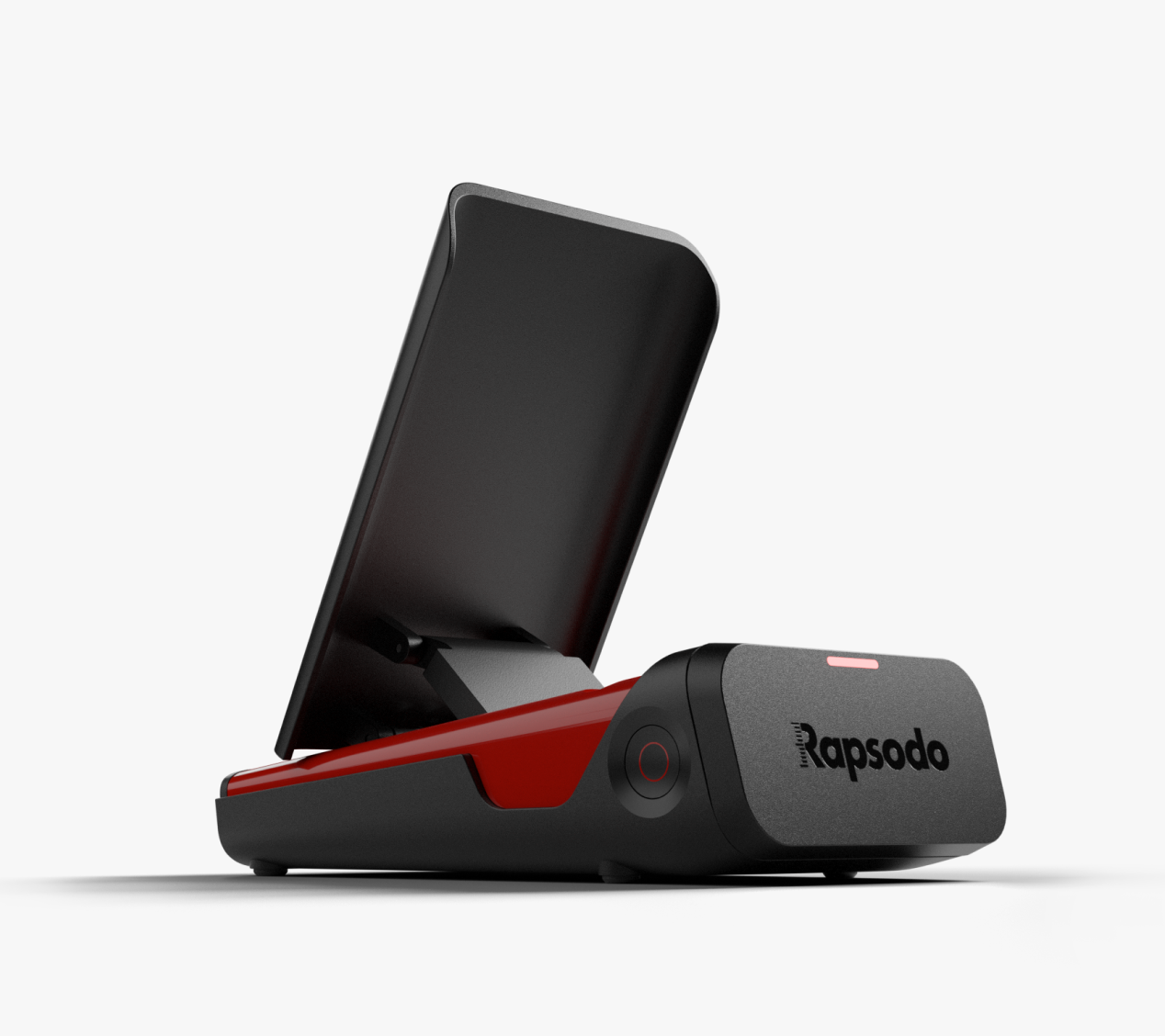
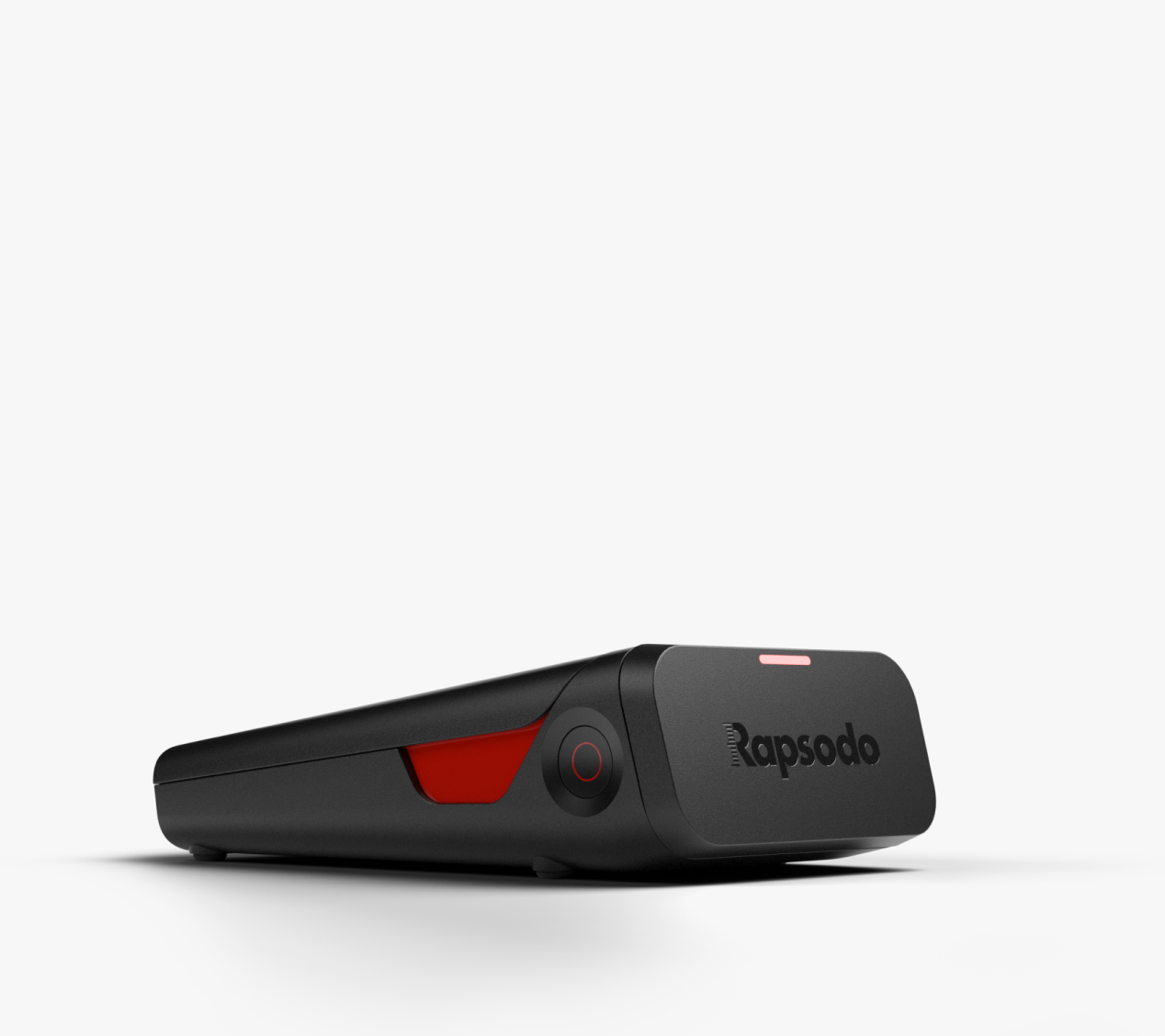
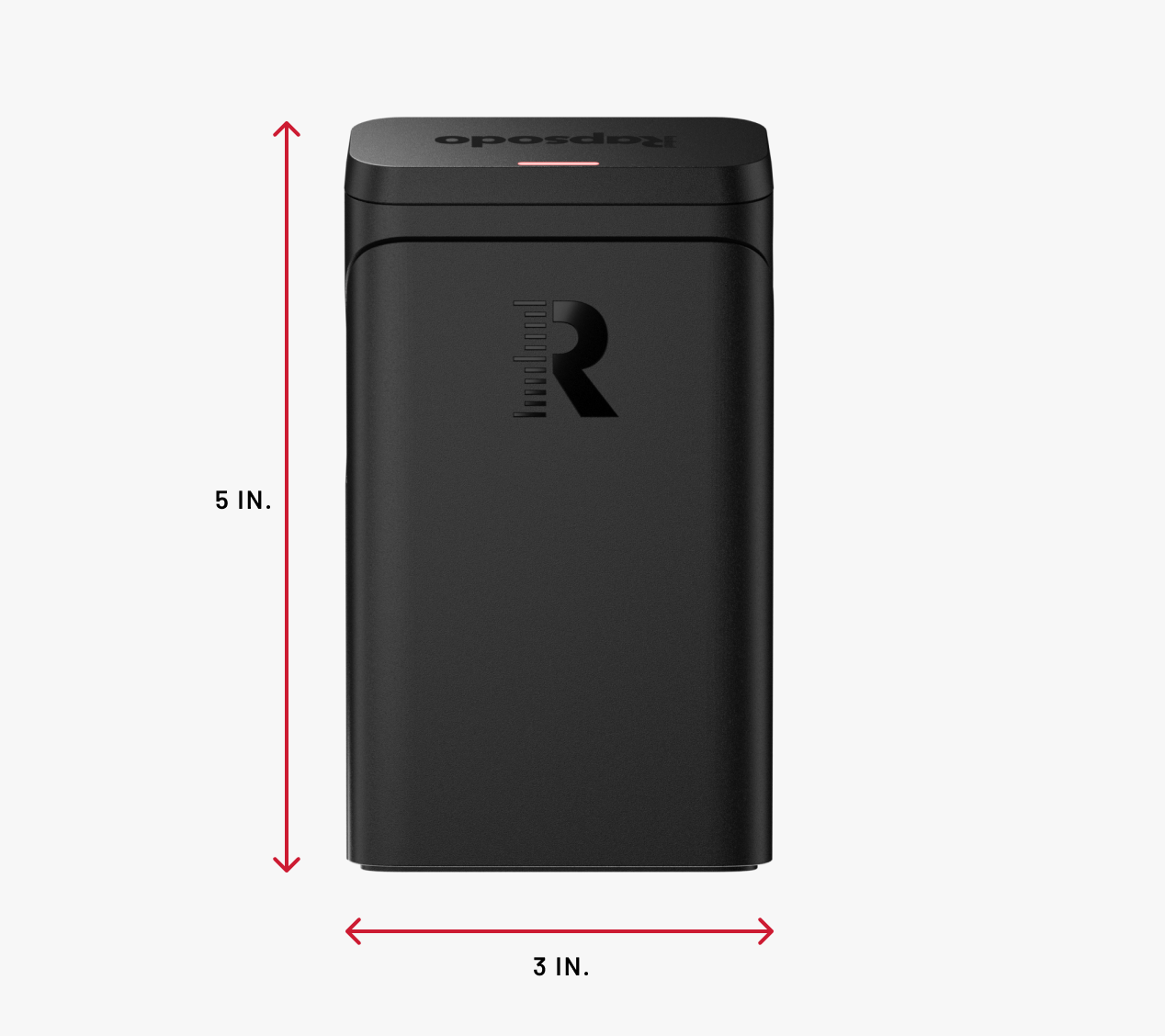
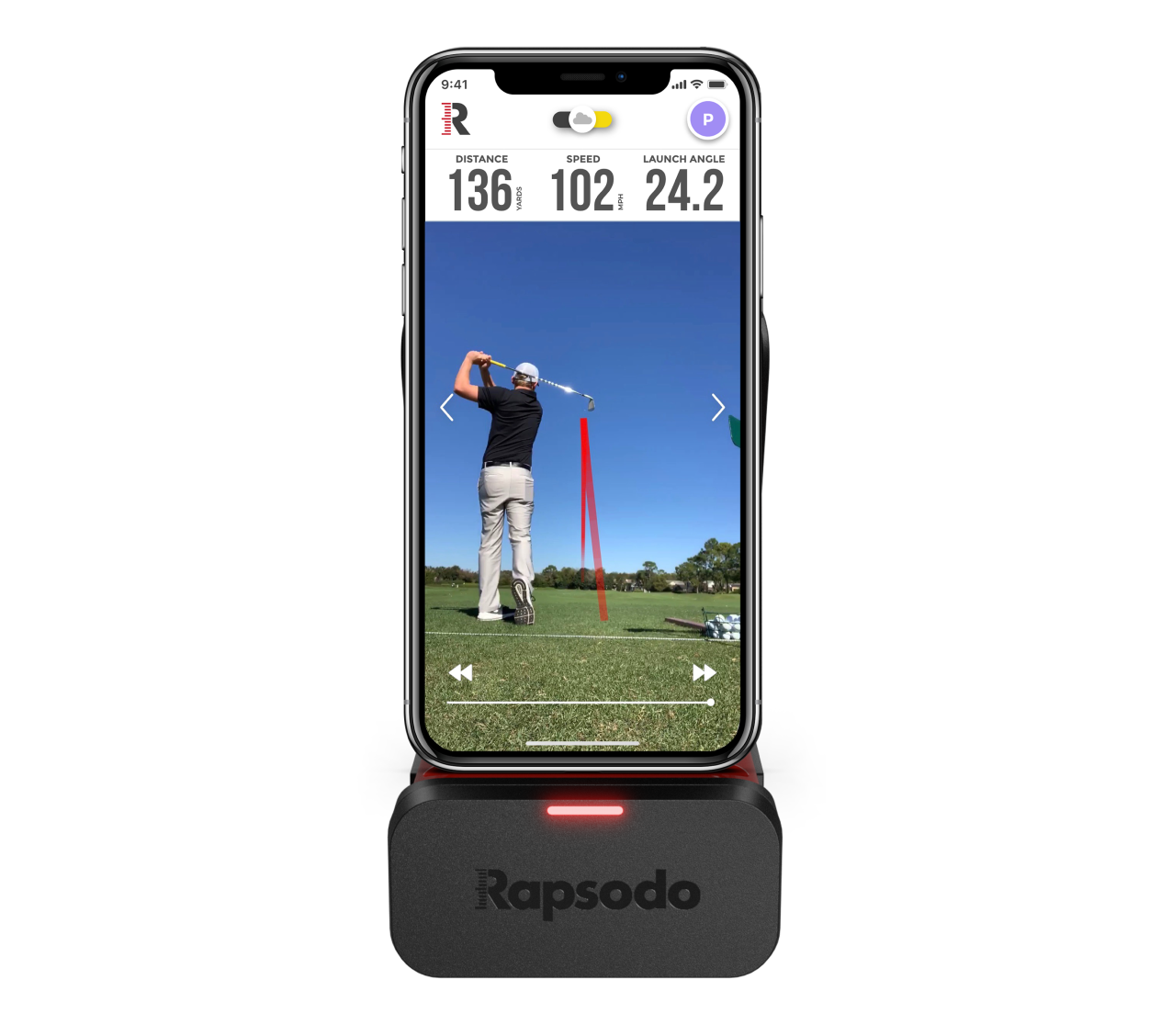


MLM1
Description
-
Save $50 on the MLM1 - the OG of mobile launch monitors
- Game and industry-changing mobile launch monitor
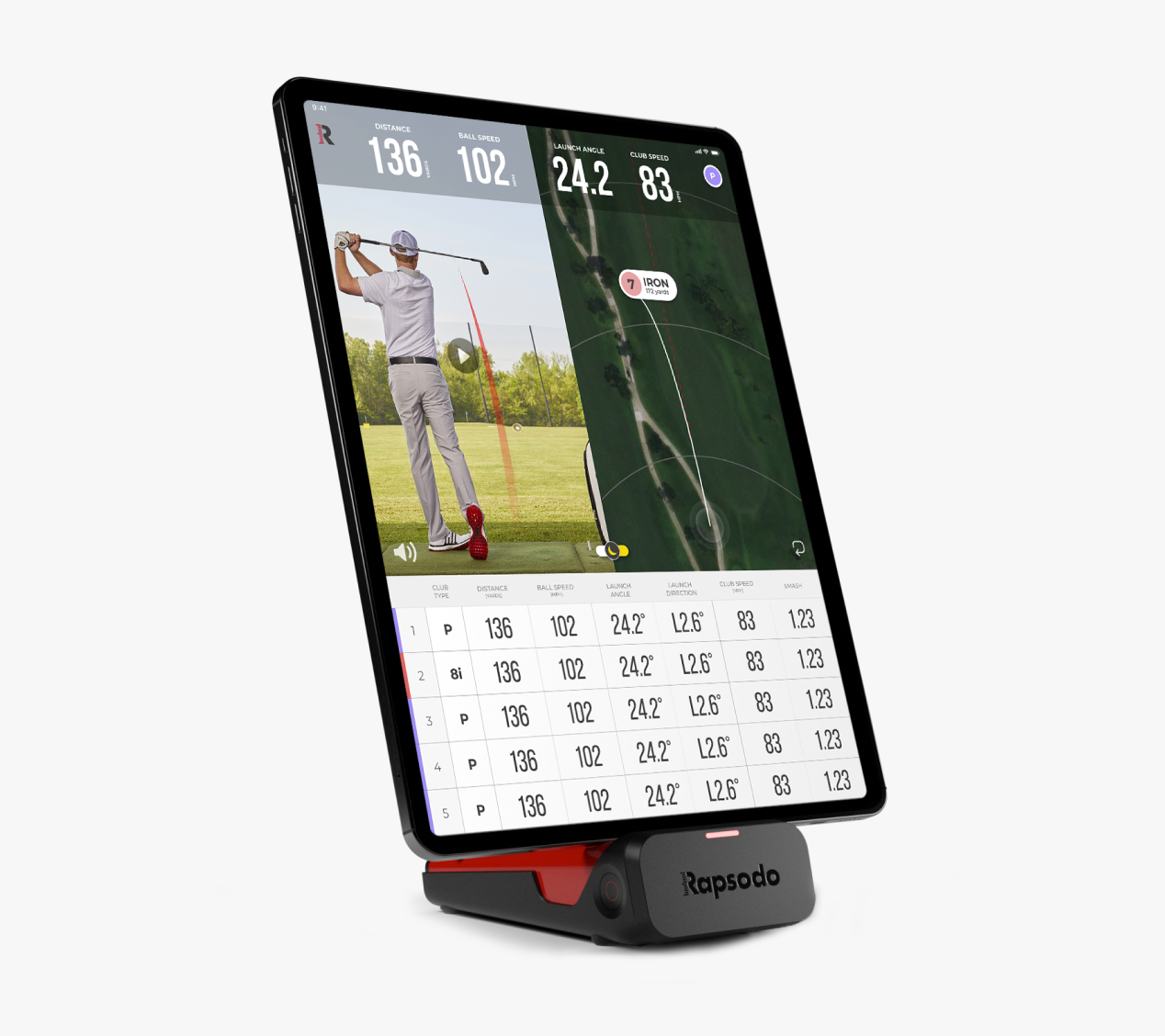
- Pairs iOS camera with radar processing for precise measurements on every swing
- Swing replay with shot trace technology
- Measures up to 11 core golf metrics for total game analysis
- Compatible with Titleist RCT golf balls for spin measurement*
- R-Speed - Non-impact golf swing speed training platform*
- Full indoor/outdoor use
- iOS compatible only. iPhone or iPad required
- Game and industry changing Mobile Launch Monitor
- The only device to pair iOS camera with radar processing for precise measurement
- Immediate swing replay with shot trace technology
- 10 metrics - 4 measured
- iOS compatible only. iPhone or iPad requiredIndoors and Outdoors Use
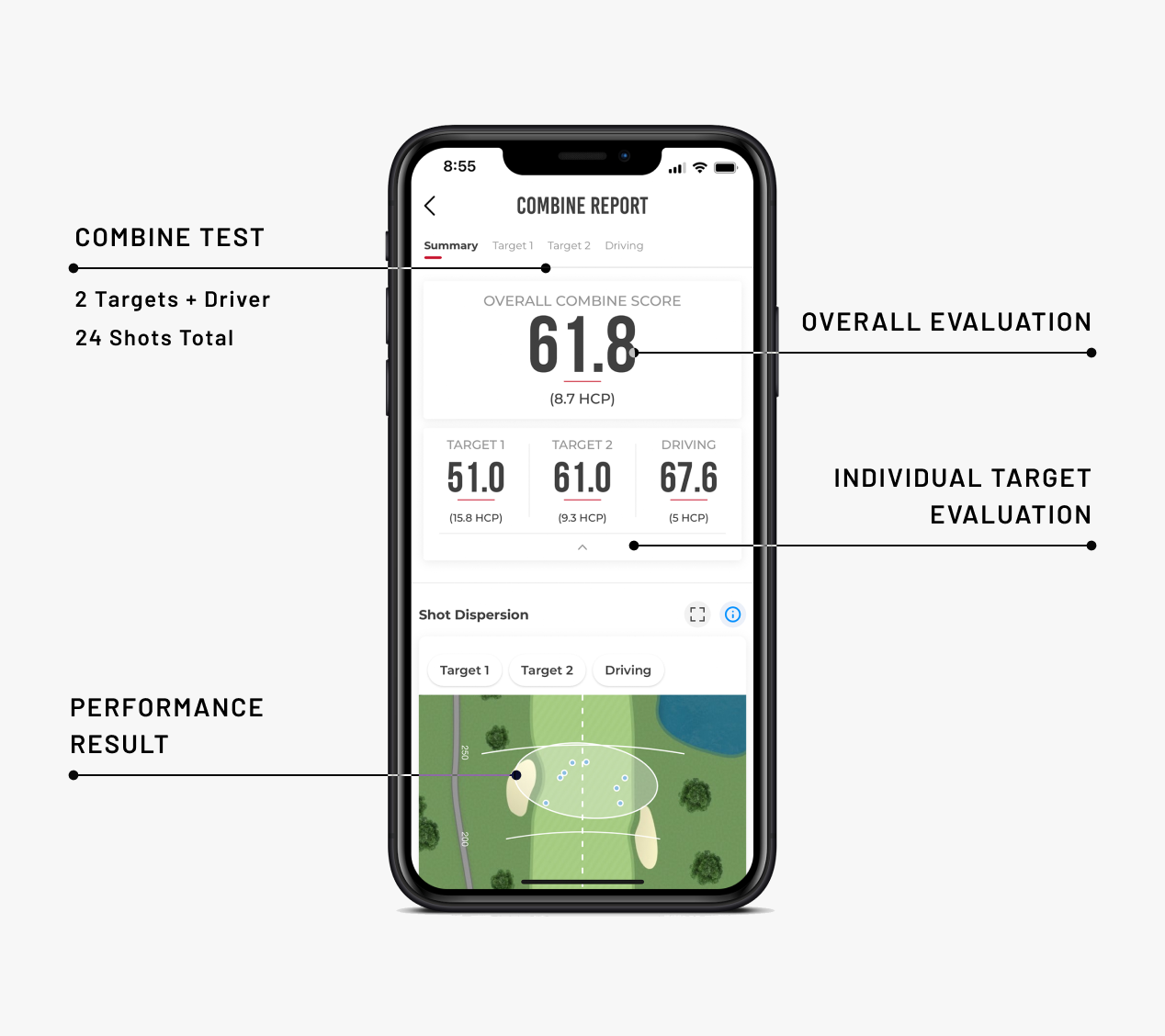
- Rapsodo Combines - 24 total shots - 2 approach targets - 1 driver target
- Rapsodo Insights - personalized, data-driven insights to better understand your game
- R-Cloud - Web access to session history, shot videos, and data export
- R-Speed – Non-impact speed training platform that measures and tracks swing speed performance
Select Option
MLM1
$199.99
Premium Trial Included
Add a dozen RCT golf balls:
FREE Shipping to the contiguous 48 United States
No Hassle 30 Day Money - Back Guarantee

What you’ll find in the box

MLM1 Device

Protective Case

USB Charging Cable

Quick Start Guide

#1 RATED PERSONAL LAUNCH MONITOR
The Rapsodo MLM1 Mobile Launch Monitor pairs doppler-radar technology with your iPhone or iPad camera to provide instant video replay, active shot tracer, and professional-level accuracy (within 2% of Trackman) on: Distance, Club Speed, Ball Speed, Launch Angle, Launch Direction, Smash Factor and more! Now under $250* *Prices in USD
New for MLM1
VIRTUAL RANGE
3D Shot Visualization
Watch every shot come to life with accurate, real-time shot tracing in a fully rendered 3D virtual environment.
Instant Feedback
Identify direction, distance, and trajectory patterns at a glance for faster skill development.
Practice Anywhere
Whether you’re at home, in the garage, or at the park, Virtual Range brings a realistic range feel to any setting.
Visual Learning Reinforced
Elevate your understanding of ball flight with visual data that sticks.
 Virtual Range allows players to see every shot in a new dimension

MyBag
Custom Club Input
Manually add each club in your bag with detailed specs (brand, loft, shaft, length, etc.).
Shot-by-Club Tracking
Every swing you take is now tied to the specific club used—giving you clean, organized performance data.
Club Comparison Tools
Evaluate equipment side-by-side using R-Cloud. See how two drivers stack up, or whether your wedges are performing the way you need them to.
Smarter Gapping
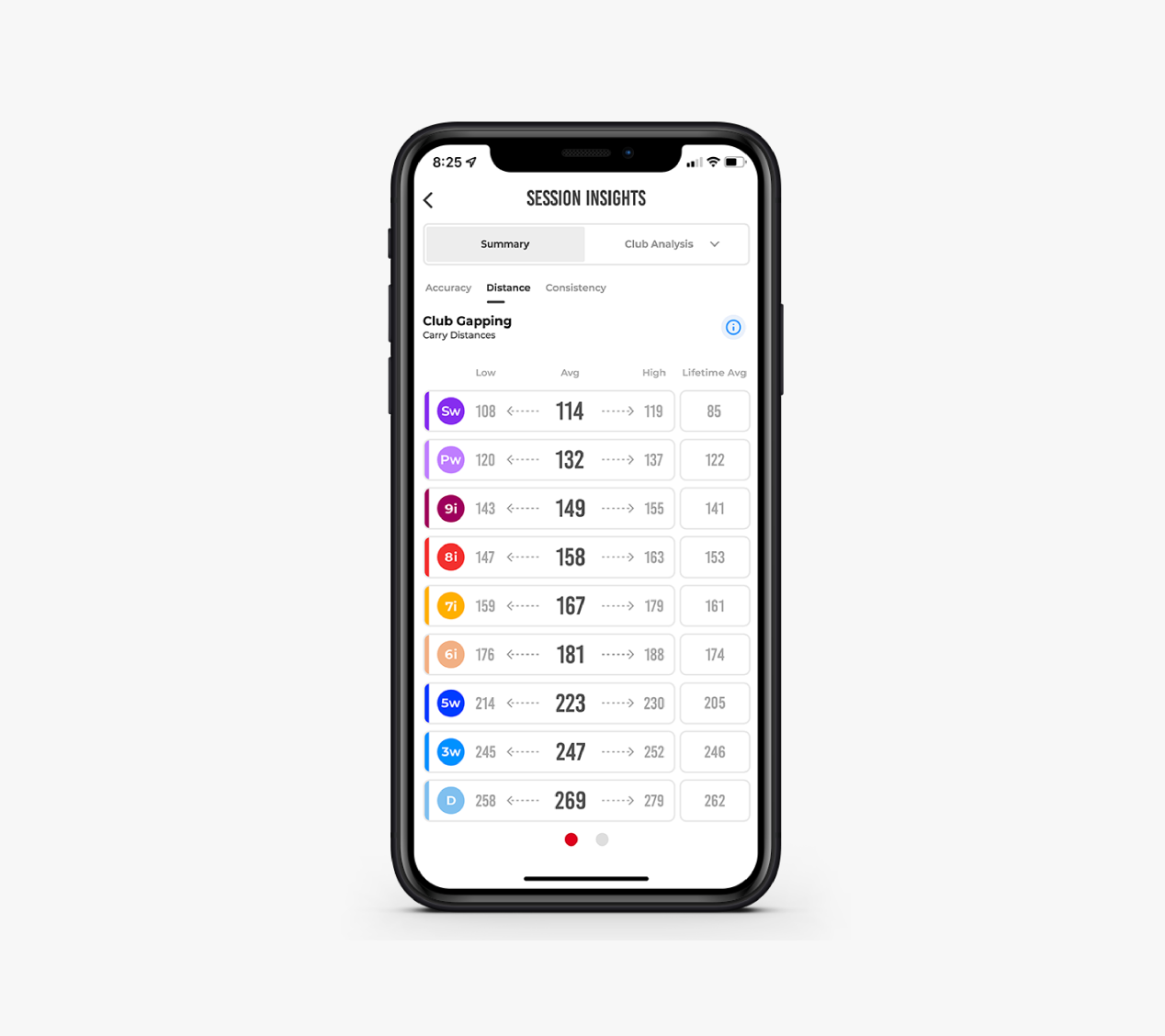
Better data means better decisions. Identify performance gaps and fine-tune your setup.
 My Bag is now available for all MLM users—bringing even more clarity to your club performance and equipment decisions
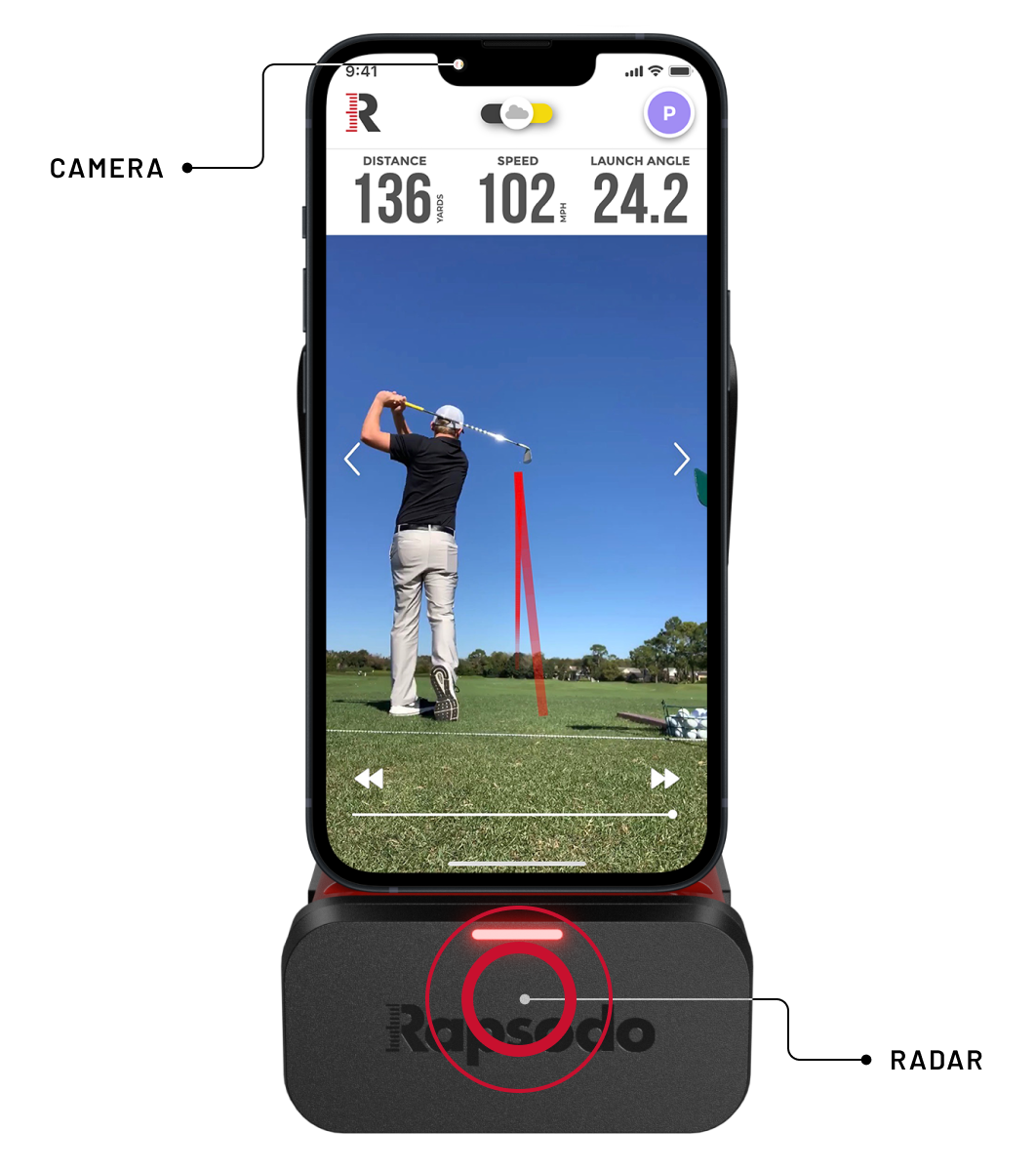
Camera + Radar Technology
Paired for Precision
DATA.
VISUALIZED.


DATA.
VISUALIZED.
Swing Replay with Shot Tracer
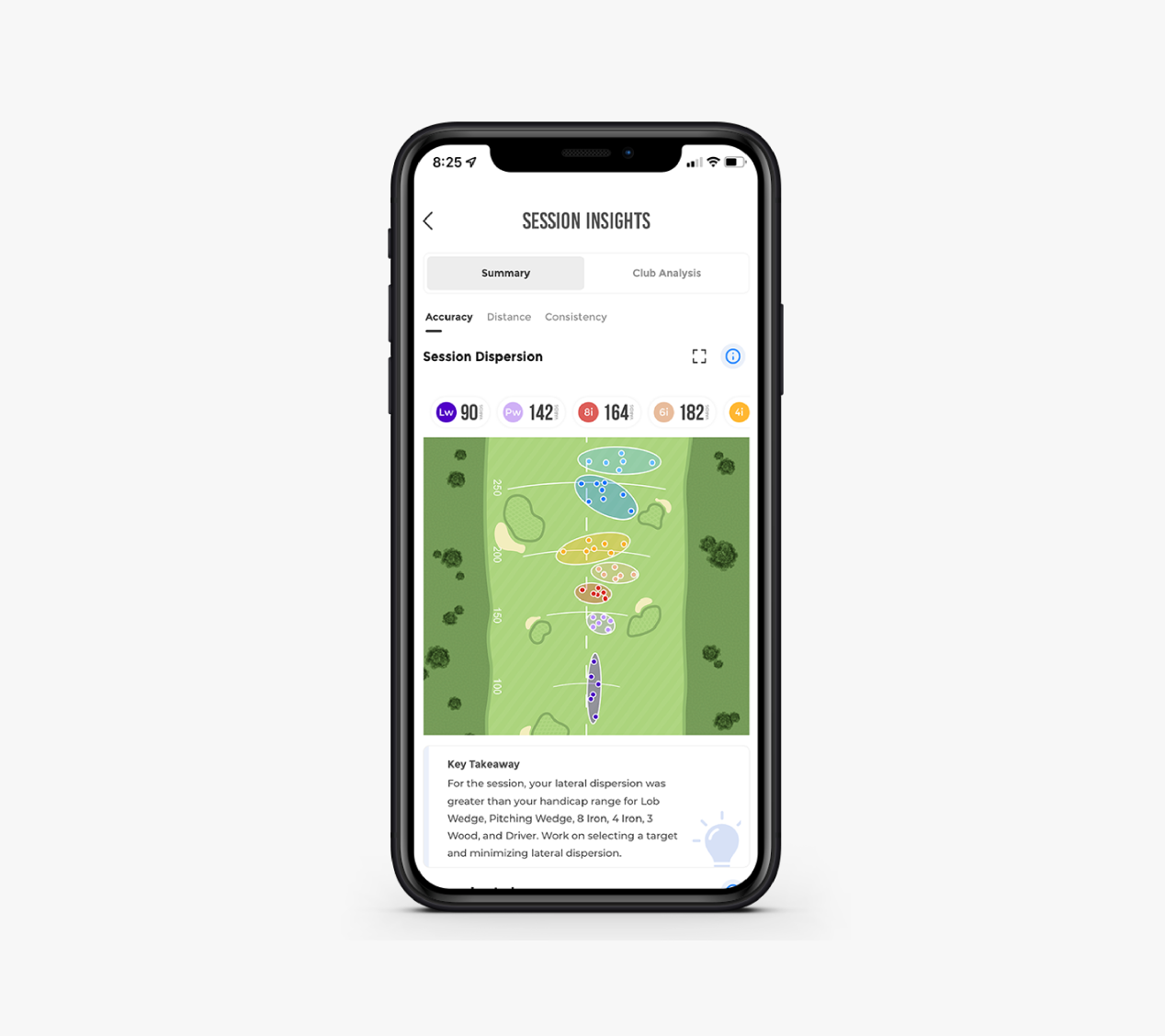
Club Gapping and Shot Dispersion
Rapsodo Insights
Ball Striking Index
Lifetime Stats History
Rapsodo Combine (Award-Winning)
If you can track it, you can improve it.
Carry Distance
Distance the ball travels through the air.
Total Distance
Carry distance plus the distance the ball rolled.
Measured
Ball Speed
Velocity of the ball just after impact.
Measured
Club Speed
Velocity of the club head at impact.
Measured
Launch Angle
Initial angle of ascent of the golf ball immediately after impact.
Measured
Launch Direction
Initial direction the ball starts relative to the target line.
Measured
Smash Factor
Ratio of ball speed to club speed.
Side Carry
The distance from the target line based on where the ball lands.
Apex
The maximum height of the golf ball's trajectory.
Shot Type
Shape and relative curve of the flight of the ball.
Spin Rate
The amount of spin on the golf ball immediately after impact


Easily Train & Track Speed Performance
The R-Speed platform allows golfers to easily work on their speed training and is compatible with all major swing speed training programs. Users can easily track and evaluate the performance from every training session on R-Speed with R-Cloud integration. See your improvement and share your results!
Join MLM1 Premium Today
-
10,000 Videos
10,000 Videos
-
Shot Storage
![thick icon]()
-
Shot Trace + Apex
![thick icon]()
-
Slow Motion Video Playback
![thick icon]()
-
Rapsodo Combine (Award-Winning)
![thick icon]()
-
Rapsodo Insights
![thick icon]()
-
R-Cloud - Web access to session history, shot videos, and data export
![thick icon]()
-
R-Speed – Non-impact speed training platform that measures and tracks swing speed performance
![thick icon]()
MLM1 Premium Membership: $99.99/Year and non-transferable
Product Reviews
You’ve got questions? we’ve got answers.
What devices are compatible with the MLM1?
iOS
Min. Requirement: iOS 13
Recommended: Latest iOS Version
Outdoor
iPhone
iPhone 7 and up
Recommended iPhone 8 and up
iPad
iPad 2017 and up (must support 1080p)
Net Mode
iPhone
iPhone 8th Gen and up
iPad
iPad Pro 11"-1st Gen and up
iPad Pro 12.9"-2nd Gen and up
iPad Air 3rd Gen and up
iPad Mini 5th Gen and up
iPad 9th Gen and up
What are the metrics that are provided/What does the MLM1 Premium Membership provide?
The MLM1 provides pro-level accuracy on: Carry Distance, Total Distance, Launch Angle, Launch Direction, Side Carry, Smash Factor, Club Speed and Ball Speed. Get the most out of your game with a MLM1 Premium Membership and get access to Personalized Insights and Key Takeaways like shot dispersion, club gapping, shot shape frequency and more. Plus Premium features like slow motion video replays, shot apex, Performance Combines and access to online golf lessons.
How do I set up the MLM1?
Outdoor set up: Set MLM1 up 6-8ft behind you and the ball facing down your target line. You want at least 60-80 ft. of ball flight.
Net set up (indoor or outdoor net): Set MLM1 up 6-8ft behind you and the ball facing down your target line. Set your net at least 8ft in front of the ball. The MLM needs at least 8ft of ball flight to capture data.
How do I change my clubs?
There are a few ways to change clubs:
You can use smart club recognition during your outdoor session to change clubs or you can manually change by tapping on the upper right-hand corner and selecting the club you will be using.
Does ball type matter?
Yes. The MLM1 assumes you are using a premium ball. If you are using a range ball, depending on how used they are, you may see your distance appear a bit short. You cannot use whiffle or foam balls.
Does the MLM1 record total or carry?
You can select whether you would your data to be “carry, total, or both”. To see that data, go into a session, tap on the change metrics icon (listed above club type) and select between which data points you would like to appear
What does normalize data mean/Do you take elevation into account?
Yes. The MLM1 normalizes data. This means the MLM does not take wind, weather, slope or elevation into consideration. It assumes a premium ball is being used. Since the MLM1 assumes you are at sea level, if you are located in an area with high altitude/elevation, you may see shorter distances appear on your MLM1.
Can I customize the top data points shown/what is said back to me?
Yes, this is currently a premium membership feature. You can change the data points by starting your session and tapping on the bottom left-hand part of the screen (you should see three lines). Once you tap on the three lines, the second option is “Change Metrics”. Then select the three metrics you would like to be shown in instant feedback.
How can I stop overheating?
Overheating is due to your iPhone/iPad getting too hot. Generally, your iOS device is overheating more so from the direct sunlight/humidity than the actual temperature. To help prevent this, shade your MLM1 as much as possible, such as with your golf bag. Make sure all apps are closed out in the background of your device and just the MLM1 app is running. Taking off the case will also help with your phone not overheating as quickly.
Note: Please note iPhones made before the iPhone 11 are more prone to overheating.
Can I use SuperSpeed or other swing training devices with the MLM?
The MLM1 requires a ball to be hit in order to receive data. Using SuperSpeed Sticks or other trainers with the MLM1 where you are not hitting a ball, will result in you not be shown any swing speed data.
I am seeing the light change from green>blue>green but no data is appearing, why?
If you are seeing your MLM1 change from green>blue>green but no data is appearing, please see the below steps to ensure proper set up and alignment:
1. The MLM1 is set up on a flat surface and not angled; if you are on a slant, use the MLM1 case to level it to the ball.
2. The MLM1 is at least 6 ft behind the ball and no more than 8ft.
3. The MLM1 is facing down the target line in order for ball flight to be seen. There needs to be at least 8ft of ball flight before hitting the net in order for data to trigger and at least 60-80 ft when hitting outdoor.
4. Make sure no objects are obstructing the camera view of the ball. Ex. Too tall of a mat, tall grass etc. The ball needs to be in view in order to track data.
5. Ball must be in view on the screen, if you cannot see the ball on the screen, the MLM1 will not be able to pick up its starting position.
6. Lighting: Wither your net is located indoors or outdoors, you need sufficient lighting. This includes at the beginning position of the ball as well as the ball flight. If the initial ball cannot be seen, you will not receive data, as well if the ball flight cannot be seen, you will not receive data. A room with overhead lighting filling the room is suggested.
7. If you have a magnetic phone case, remove before using MLM1.